
Guides
iRacing and Pacelense guides
Short guides to iRacing and Pacelense: what isn't obvious in the sim, and how the app works with it.
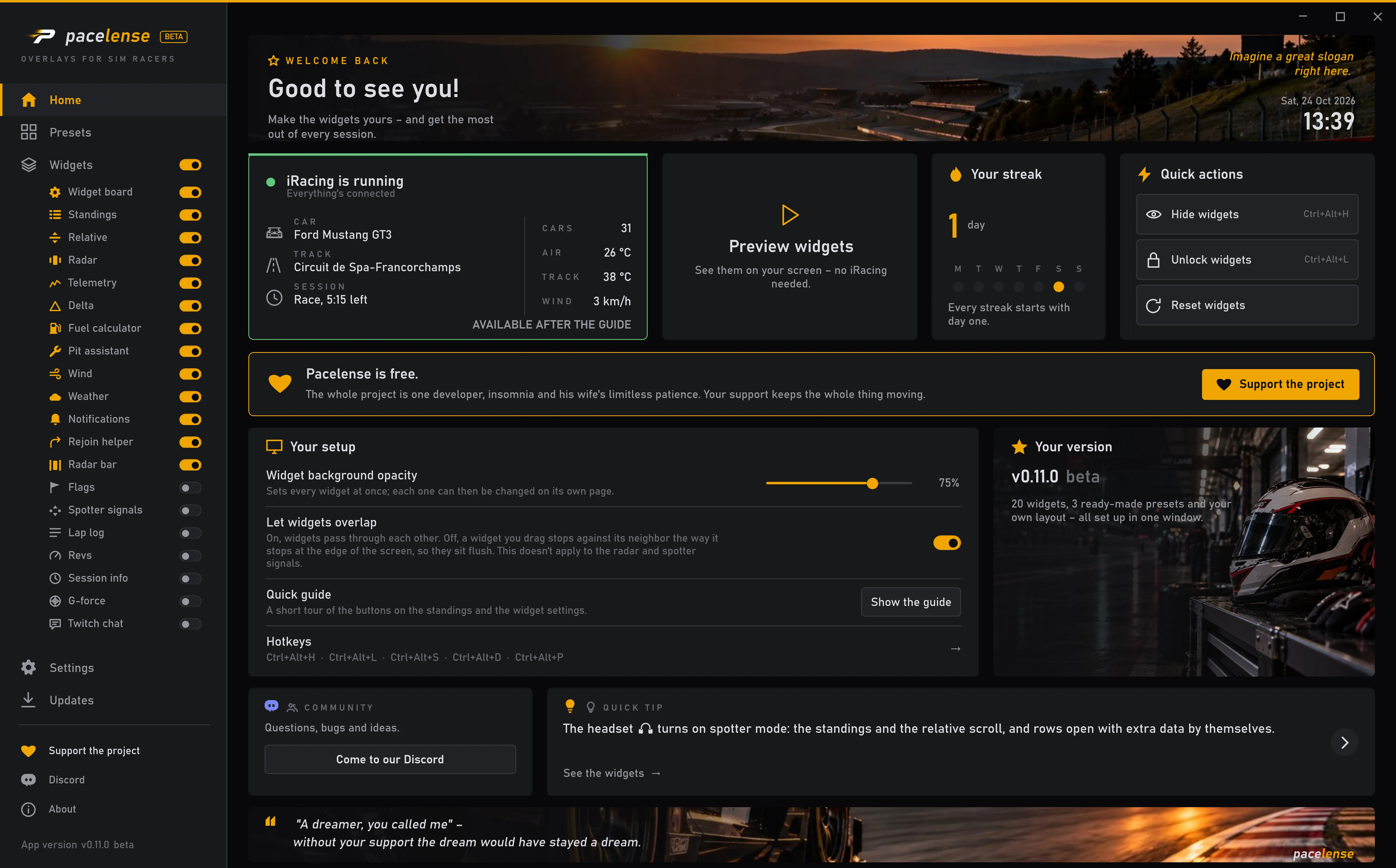 How to set up iRacing overlaysThe main thing is to turn on borderless mode in iRacing: without it, nothing will show up over the game. The rest takes a couple of minutes.
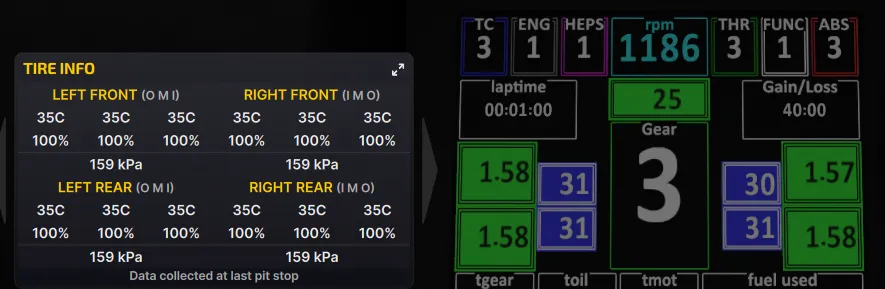 Tire temperatures and wear in iRacing: why you can't see them and where to lookWhile you drive, neither iRacing nor overlays show fresh tire temperatures and wear. The exception is the dashboard: on many cars, GT3s for example, it shows live tire pressures, and on some the temperatures too. iRacing doesn't pass these numbers to overlays.
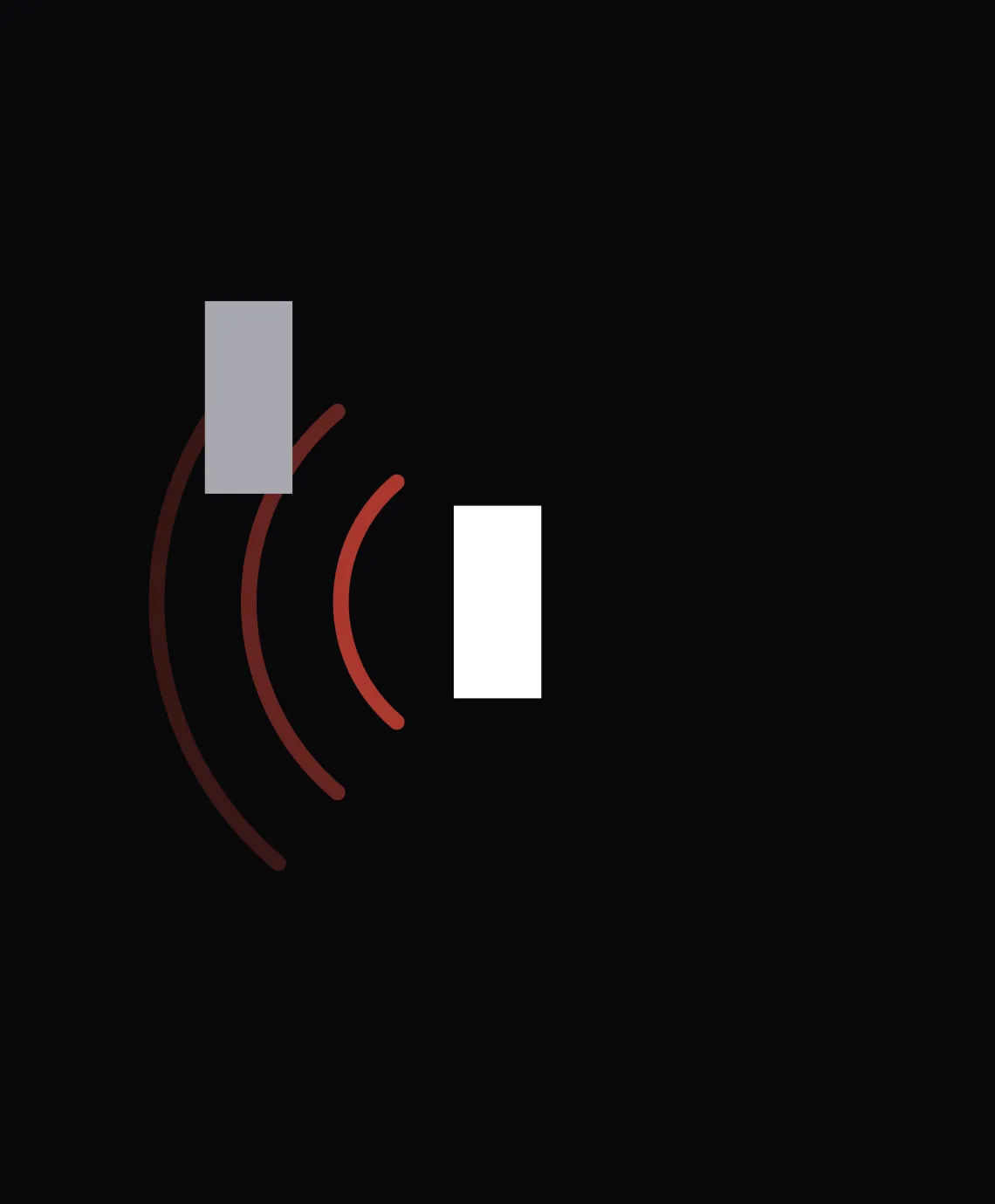 Why iRacing radar overlays can't show the distance to a car beside youAbout the cars beside you, iRacing tells overlays only one thing: whether there's a car on your left or right. How far away it is to the side isn't in the data. How far ahead or behind it is, though, can be worked out.
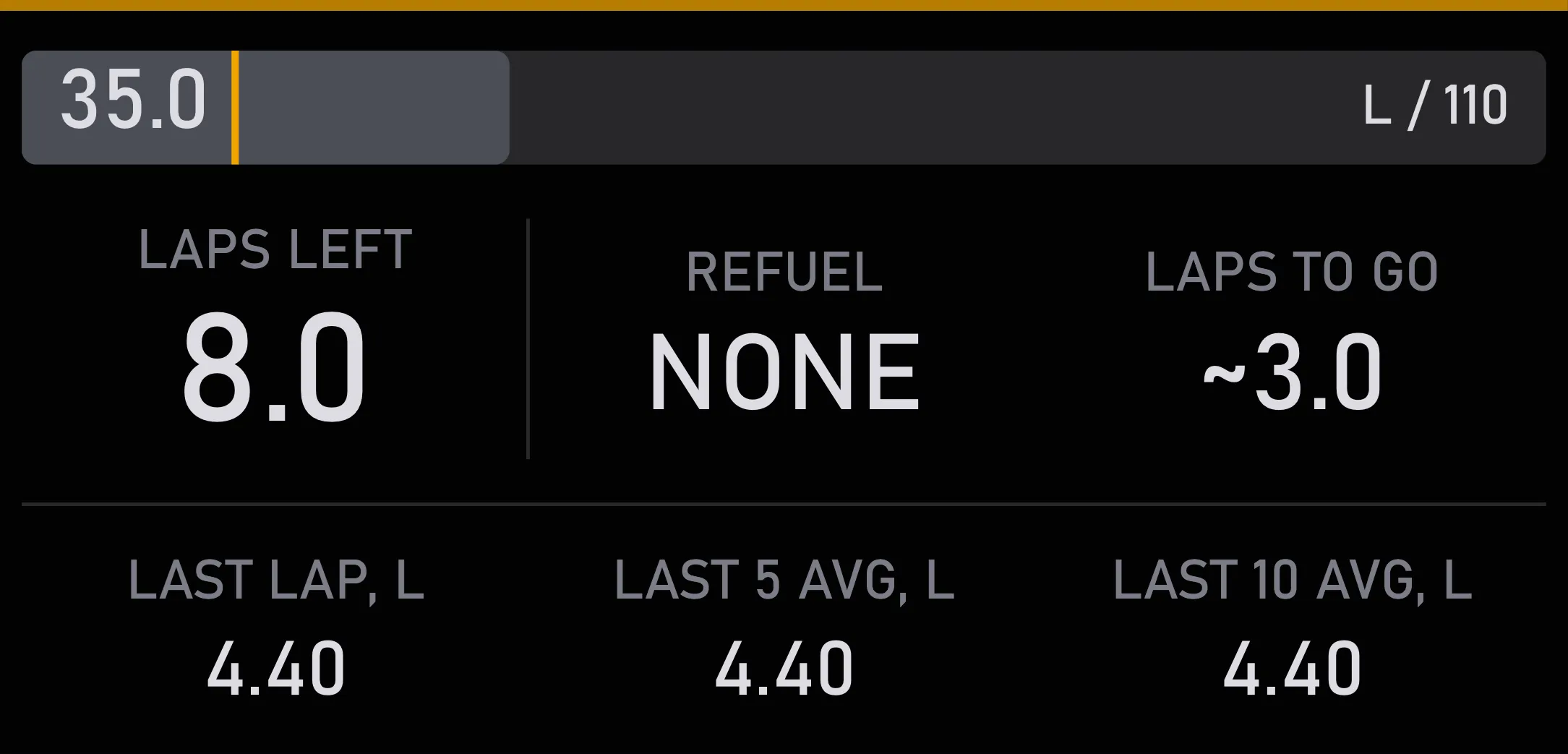 Fuel for a race in iRacing: how to work it out and what Auto Fuel doesTo avoid running dry on the last lap without hauling extra liters around, you need three numbers: fuel per lap, laps to the finish and a margin. You can work them out in your head, leave it to iRacing's Auto Fuel, or read them off the Pacelense fuel calculator.