Guide
Why iRacing radar overlays can't show the distance to a car beside you
About the cars beside you, iRacing tells overlays only one thing: whether there's a car on your left or right. How far away it is to the side isn't in the data. How far ahead or behind it is, though, can be worked out.
What the data doesn't have
The distance to a car beside you isn't in the data: from it, there's no telling whether the other car is half a meter away or three.
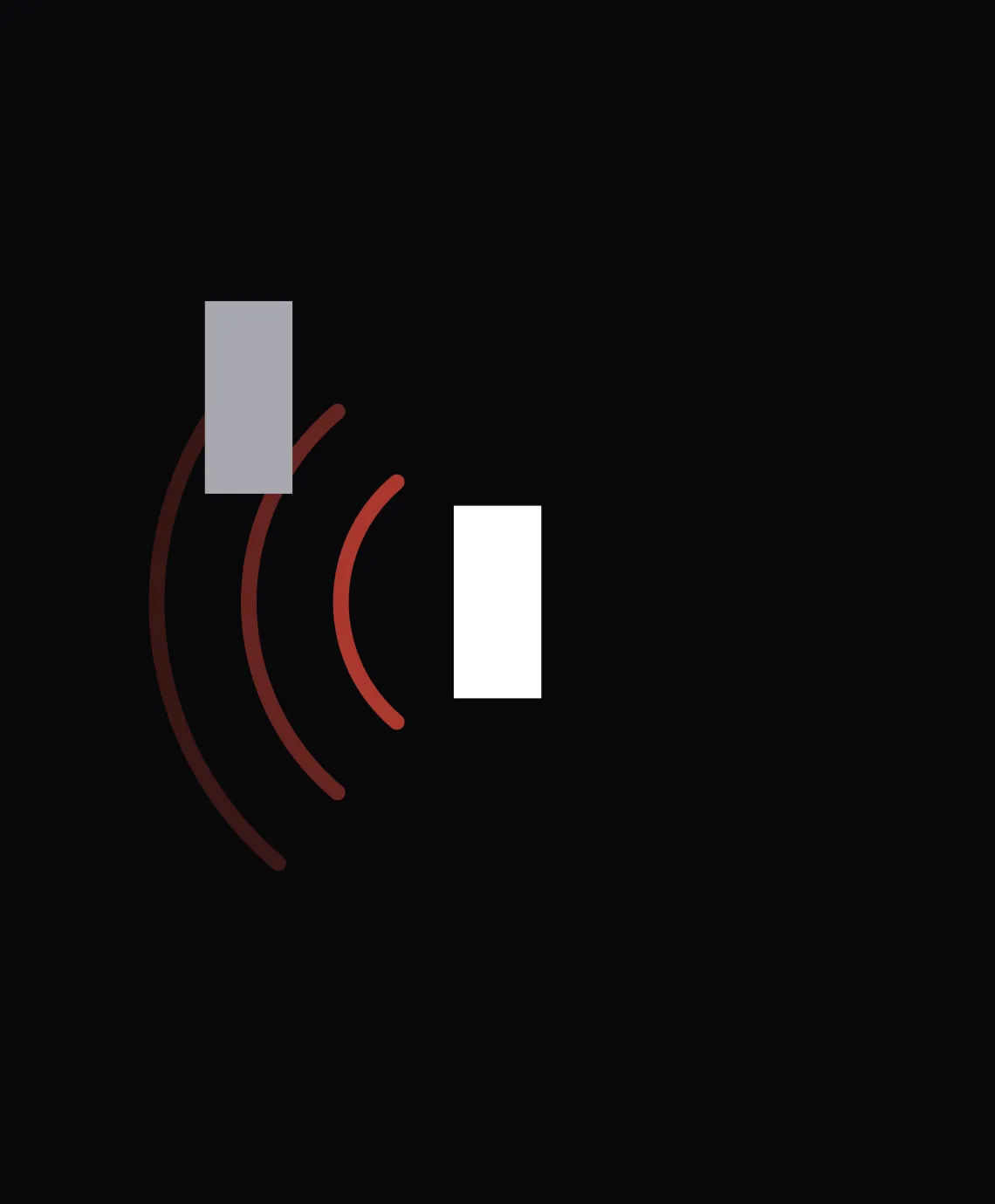
So the Pacelense radar always draws the other car at the same distance to your side. It shows that the car is there and how far ahead or behind it is, but not how close it is alongside.
What Pacelense knows
iRacing knows where every car is on the lap to within a meter, and Pacelense works out from that how far ahead or behind a car is. That's how the Pacelense radar works: the other car sits ahead of or behind you by exactly that gap, and the spotter gives the side.
The radar bar works the same way and shows how far alongside the other car is: the bar at the side fills over the part of your car it covers.
If a car draws level with you and the spotter is silent, the Pacelense radar still warns you: amber waves flash on both sides, and the car passes right through yours on the radar. Which side it's on, iRacing hasn't said at that moment.