Guide
Tire temperatures and wear in iRacing: why you can't see them and where to look
While you drive, neither iRacing nor overlays show fresh tire temperatures and wear. The exception is the dashboard: on many cars, GT3s for example, it shows live tire pressures, and on some the temperatures too. iRacing doesn't pass these numbers to overlays.
Where to see them in iRacing
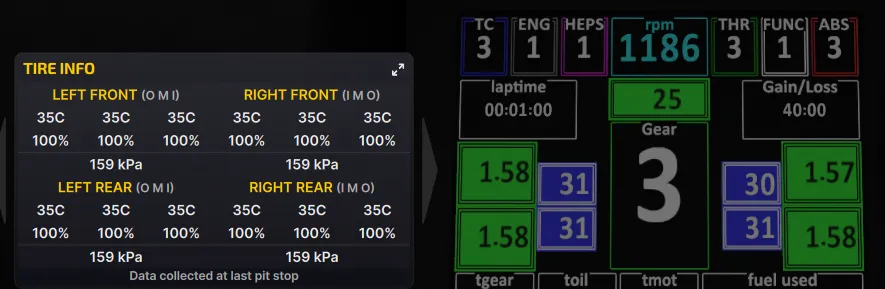
The Tire Info screen (F6) shows wear and the inside, middle and outside temperatures of the set taken off at your last pit stop. The tires page in the garage shows the same.
Live numbers are only on the dashboard. On many cars the wheel display shows tire pressures, and on some — the Porsche 911 GT3 R, Ferrari 296 GT3 and Lamborghini Huracán GT3 EVO, for example — the temperatures too. What your car shows is in its manual on the iRacing website.
What Pacelense shows
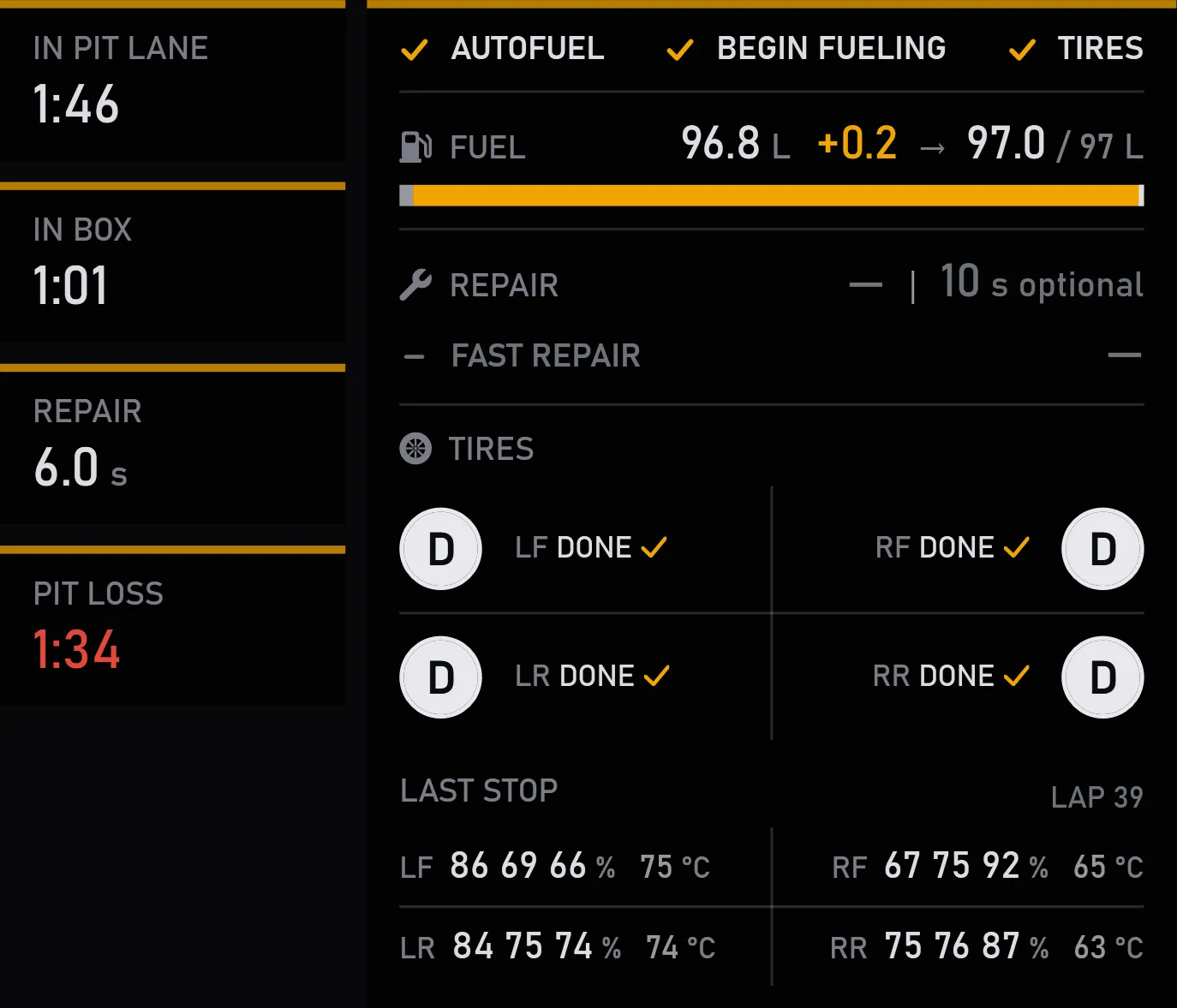
The pit assistant has a LAST STOP row: the wear and temperature of each tire from your last pit stop, and the lap you pitted on. Wear is shown as an average or across three zones — your choice in the settings.
The COLD TIRES message comes on when you first go out in a session and after you leave the pits on a fresh set. It stays for two minutes — by time, not by temperature: iRacing gives overlays no live temperature.