
Delta
Your time against a reference lap
What it is for
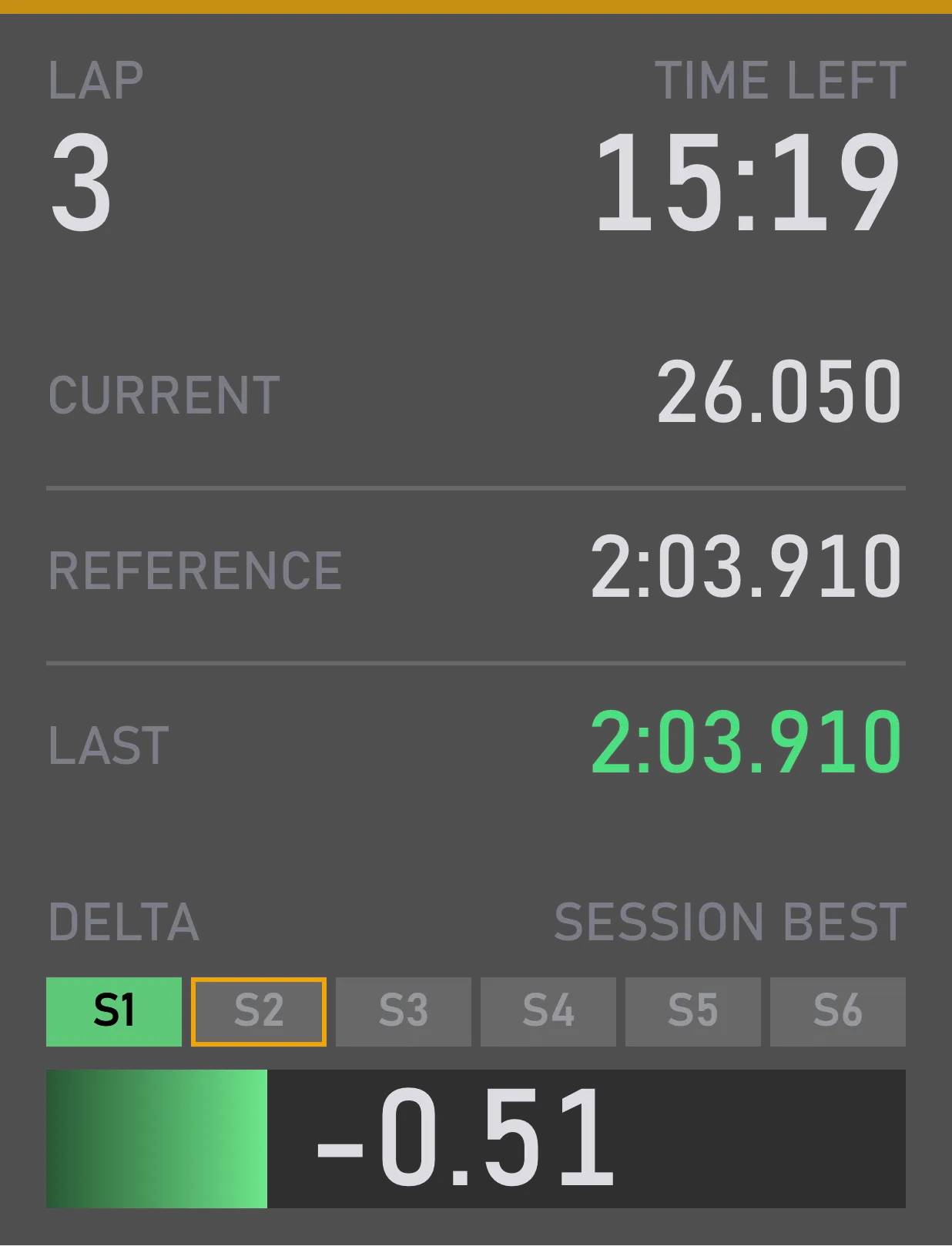
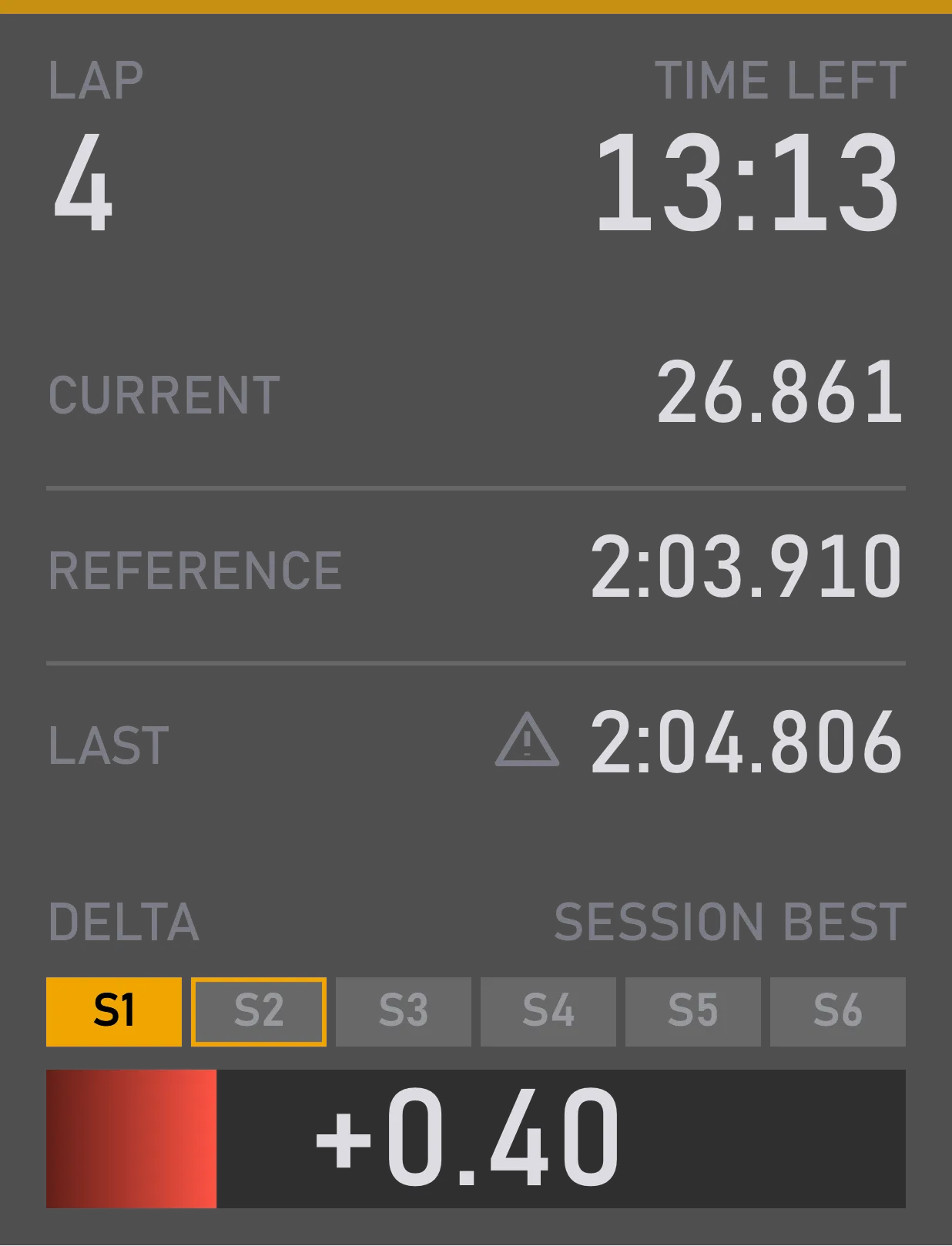
You see whether this lap is faster or slower than the reference, and the delta bar tells you at a glance: green while you gain, red while you lose. The sectors above it show where you gained or lost time.
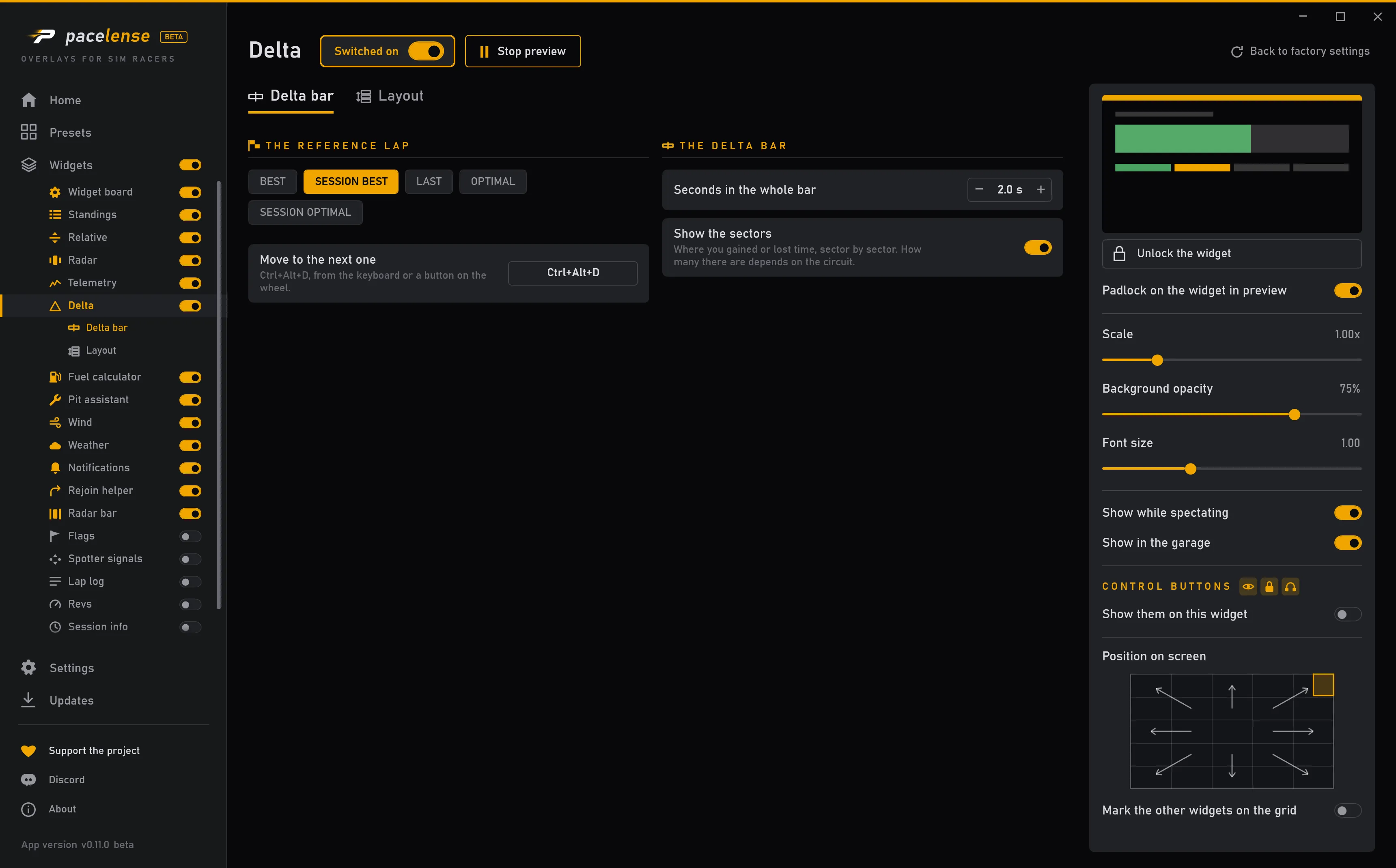
You choose the reference: your best lap across all sessions or this session, your last lap, or an optimal one built from your best sectors. Switch it with one key or a wheel button without opening the window.
What you can tune
Your best lap across all sessions or this one, your last lap, the optimal lap across all sessions or this one — and one key to switch on the move.
Show the sectors above the bar or leave the bar on its own. How many there are depends on the circuit.
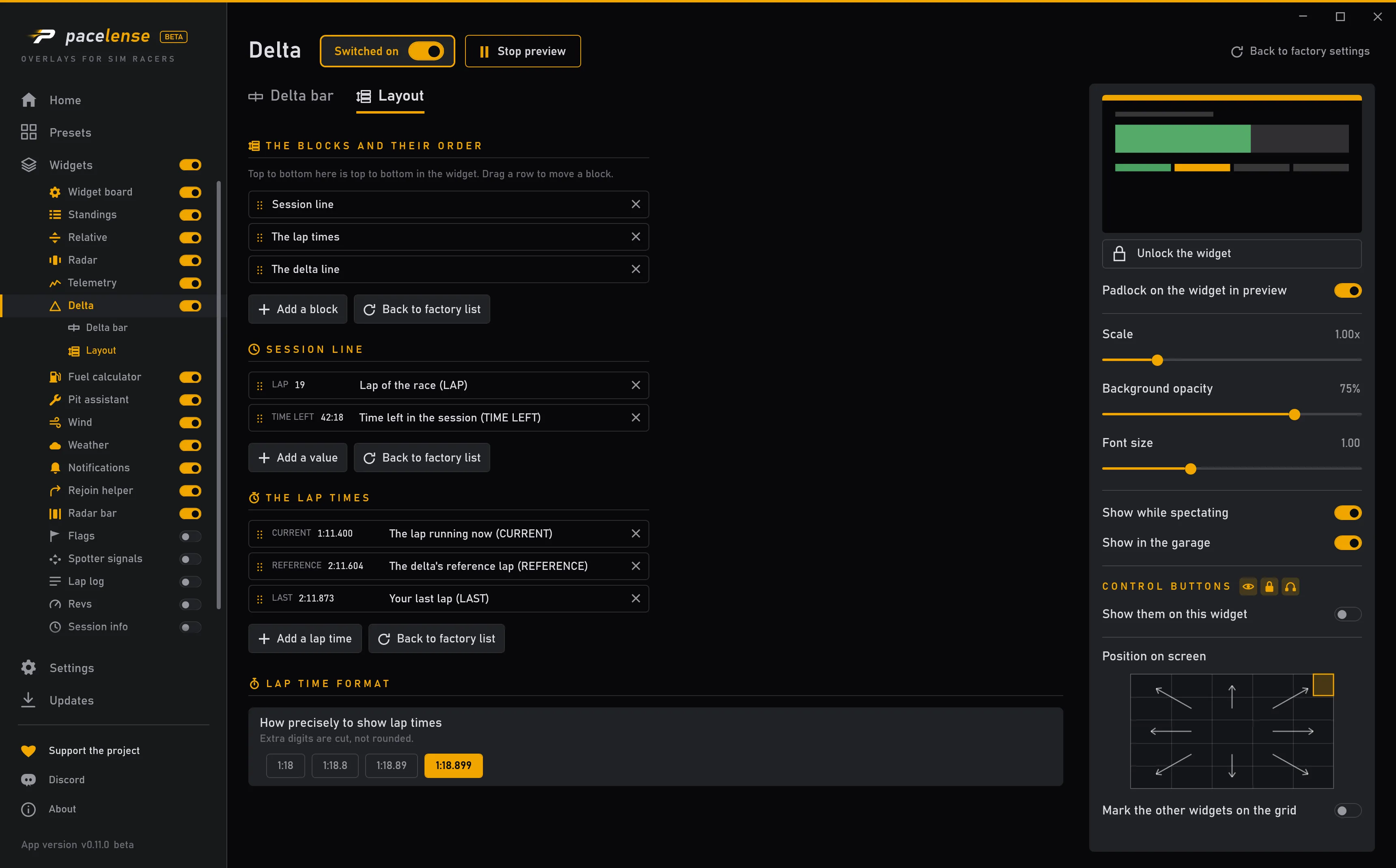
The session line, the delta line and the lap times are blocks: choose which appear, in what order, and what each line shows.
Size, position and when it shows are set the same way for every widget.
Where you change it
Each change takes effect at once — there is no apply button.