
Fuel calculator
Laps left in the tank, and how much to add
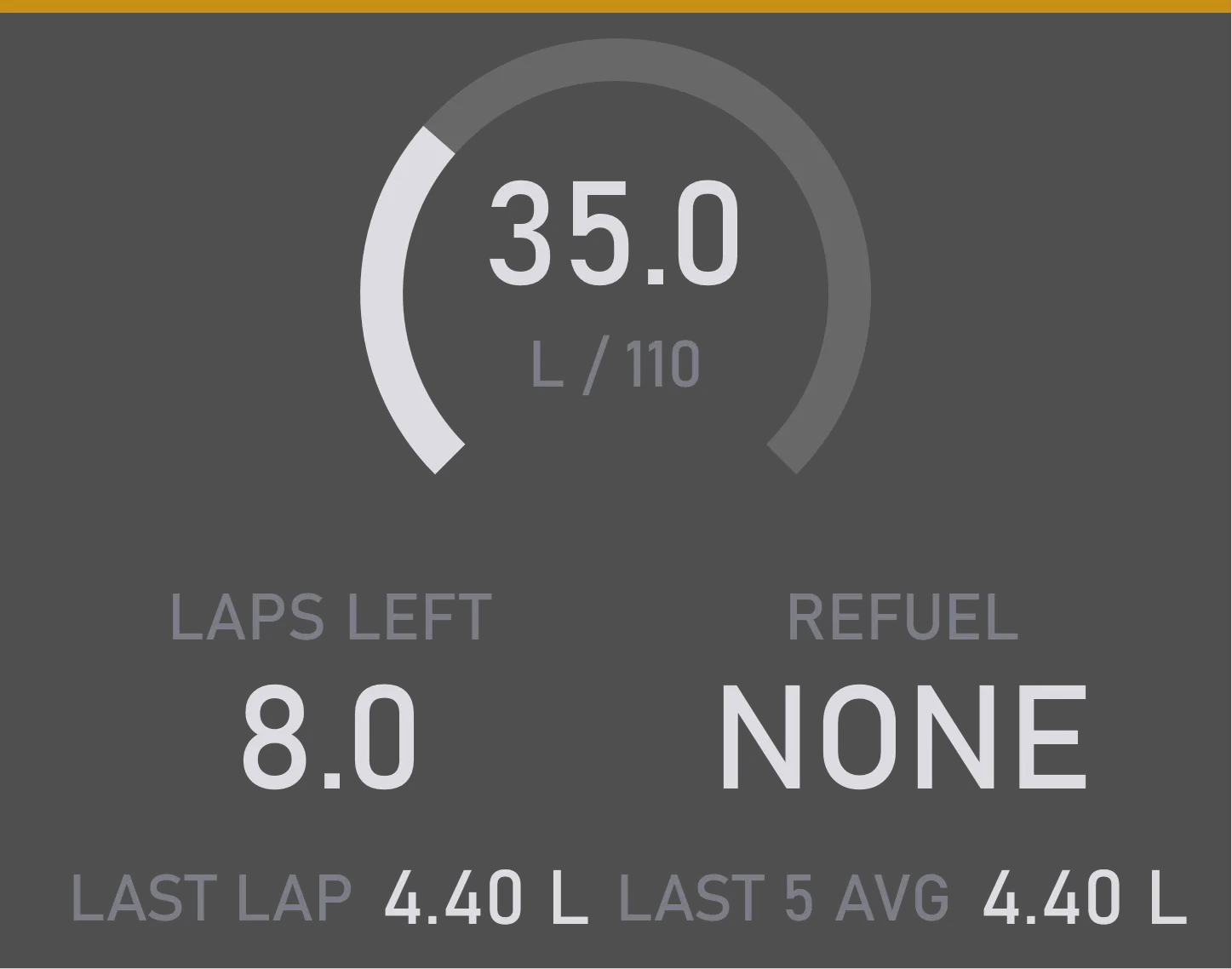
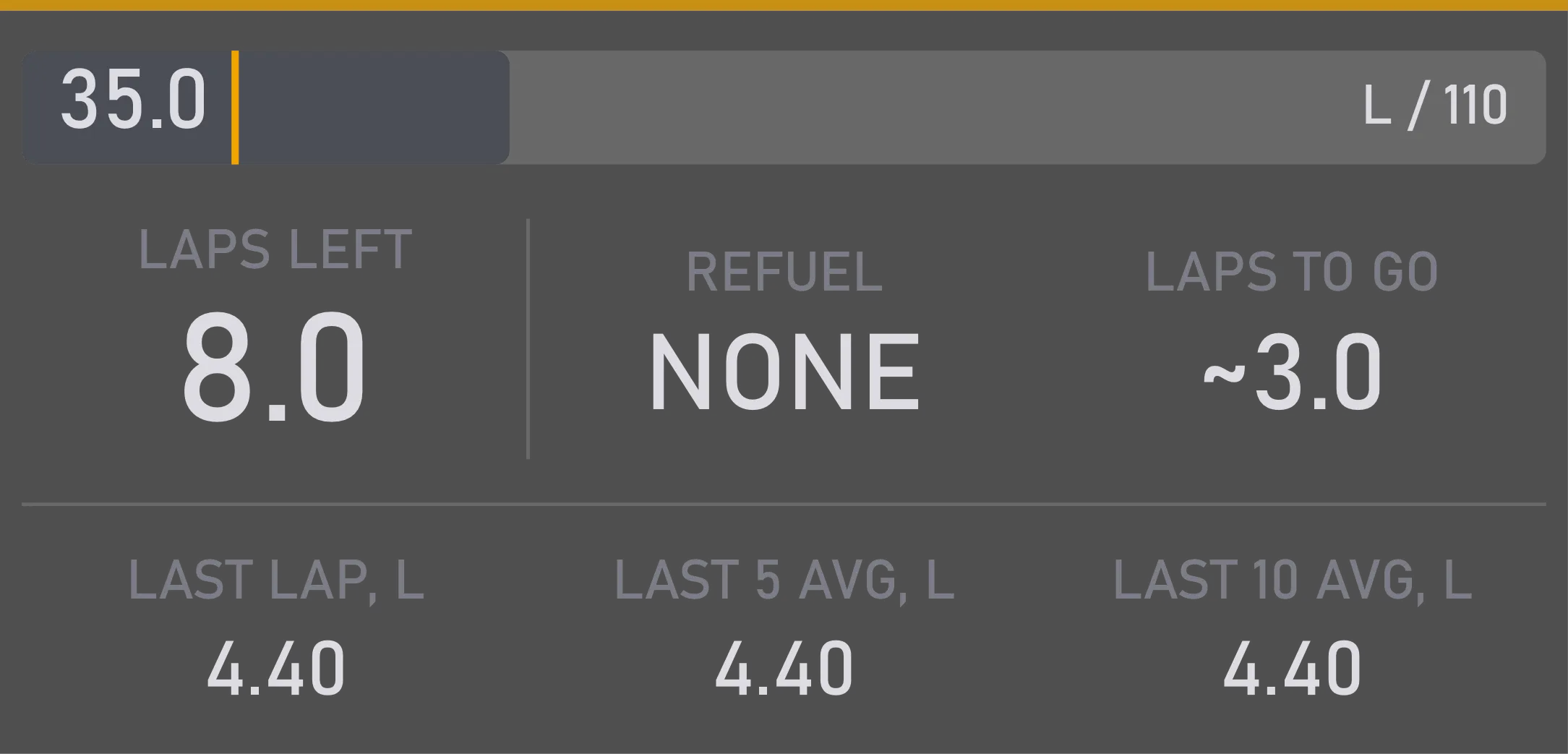

What it is for
It answers the two questions of every stint: how many laps the fuel will last, and how much to add at the stop.
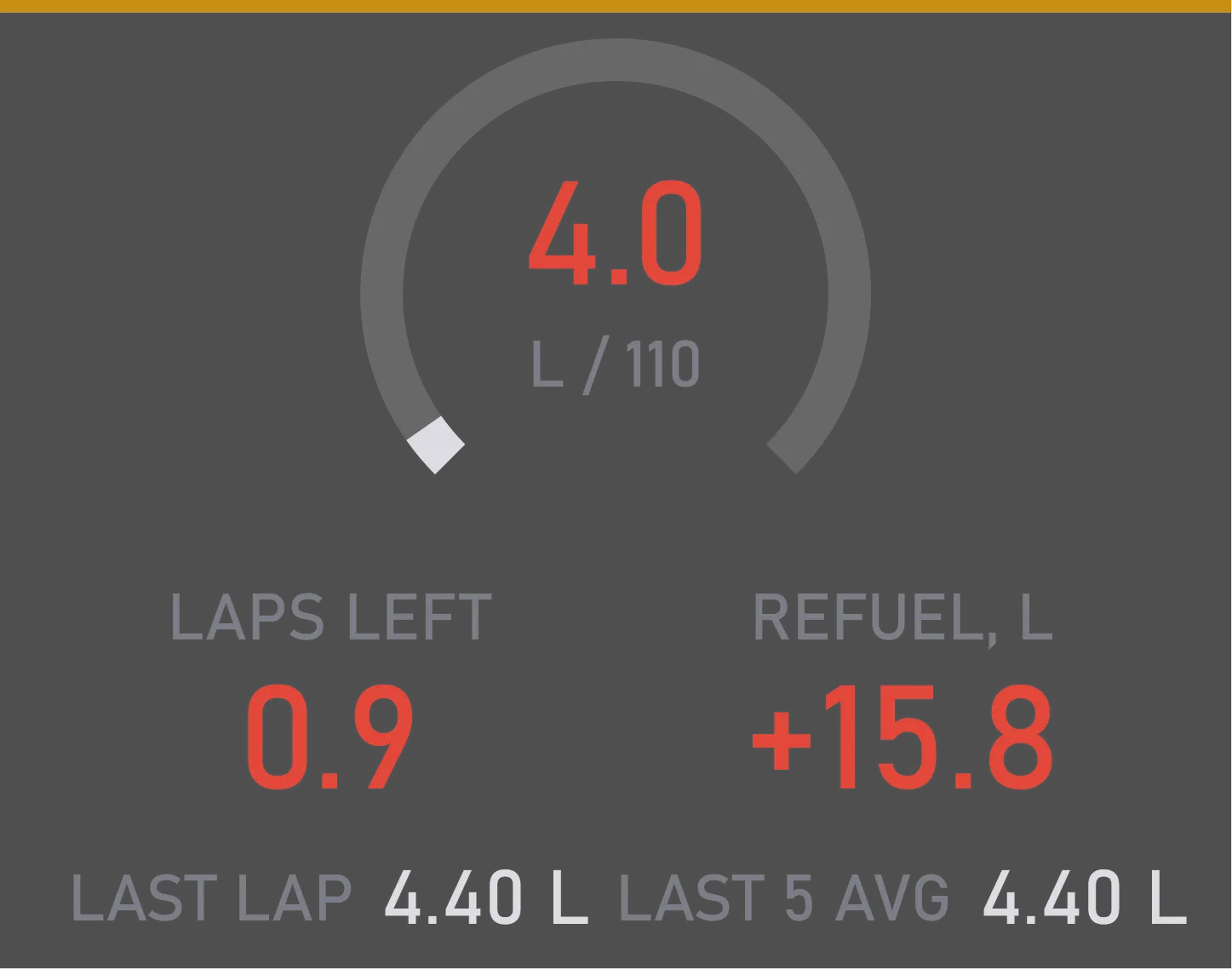
Average use is measured at the start-finish line, and laps with a pit stop are ignored, so an in-lap doesn't spoil it. When the fuel left drops below the number of laps you set, the widget warns you by turning red.
What you can tune
Fewer laps catch a change of pace sooner; more laps give a steadier number.
How many laps of extra fuel to add on top of what you need, just in case.
How few laps of fuel trigger the low-fuel warning. In laps, not liters — the same liters are a different number of laps at every circuit.
In the pit lane it tells you whether the limiter is on. Forgot to switch it on? You'll be warned straight away. You can show it above this widget or above the pit assistant.
Size, position and when it shows are set the same way for every widget.
Where you change it
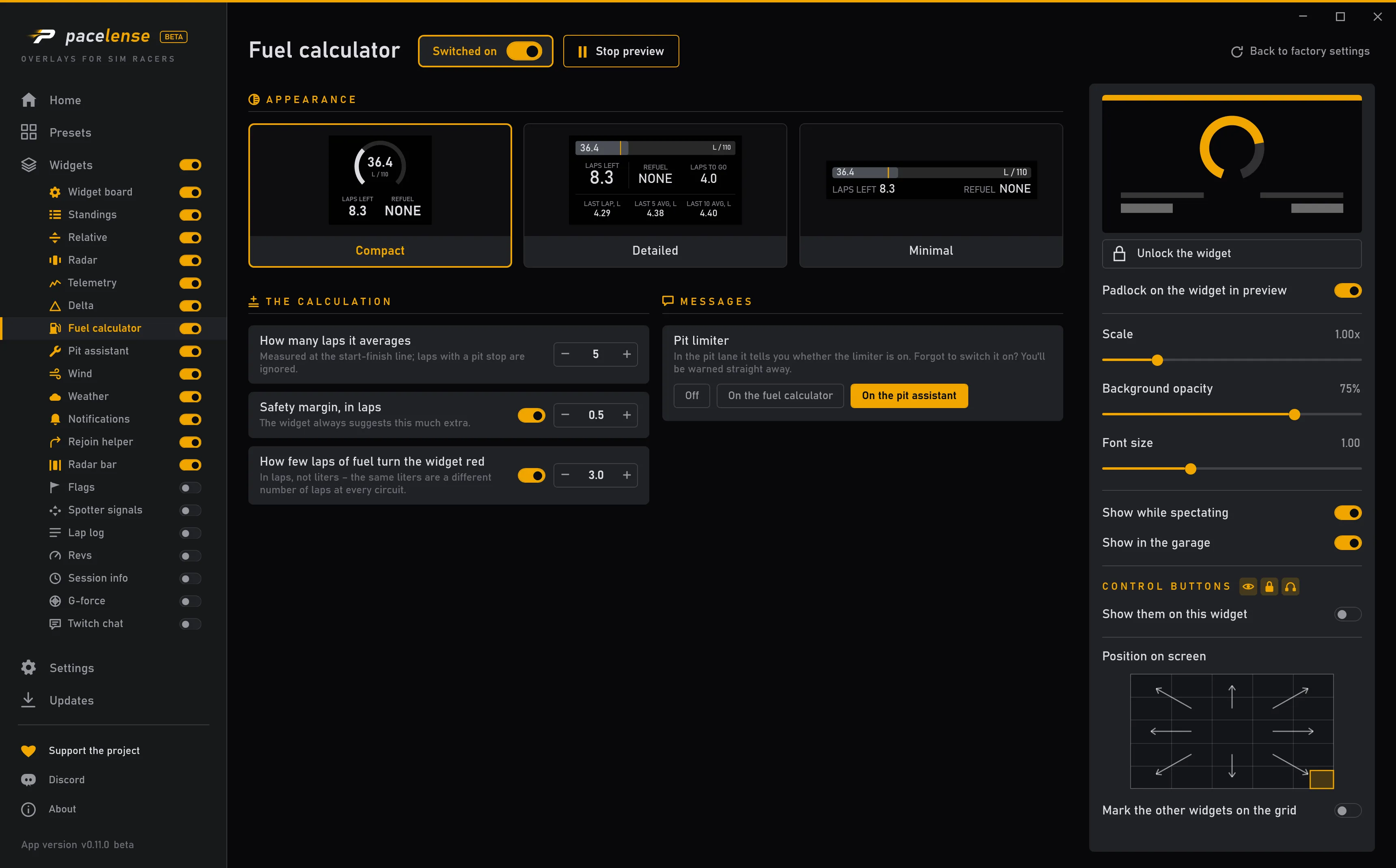
Each change takes effect at once — there is no apply button.