
Lap log
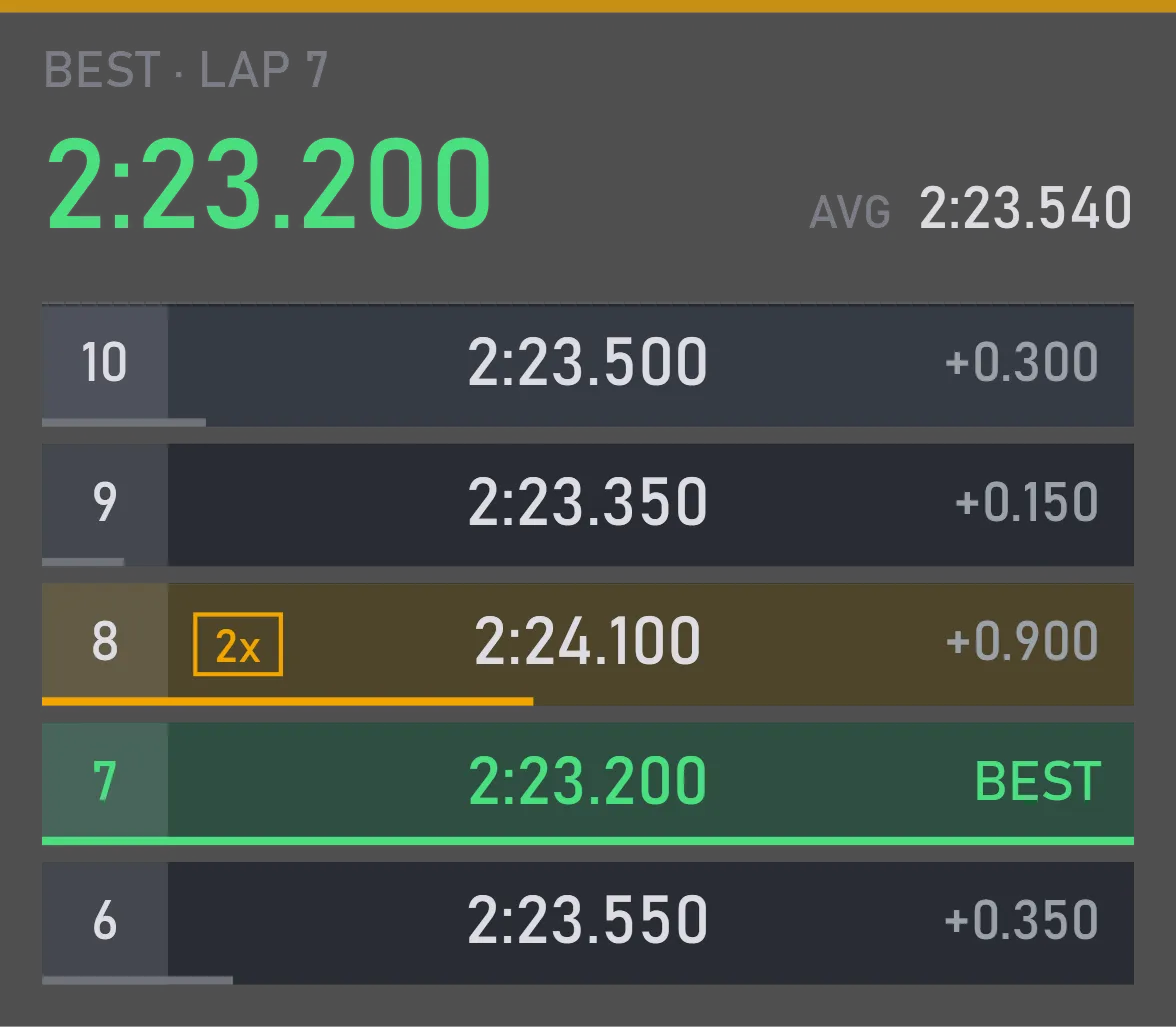
Your lap times this session, the best one on top
What it is for
It helps you find your pace: every lap shows how much it lost to your best, so you can tell right away which laps worked and which didn't.
In practice you see what a new line or a setup change gave you; in a long race, whether you're holding your pace or starting to fade toward the end of the stint. Laps with incidents, the start and the pit stop are marked, so you don't mistake them for clean ones.
What you can tune
6 out of the box, anywhere from 1 to 20.
Size, position and when it shows are set the same way for every widget.
Where you change it
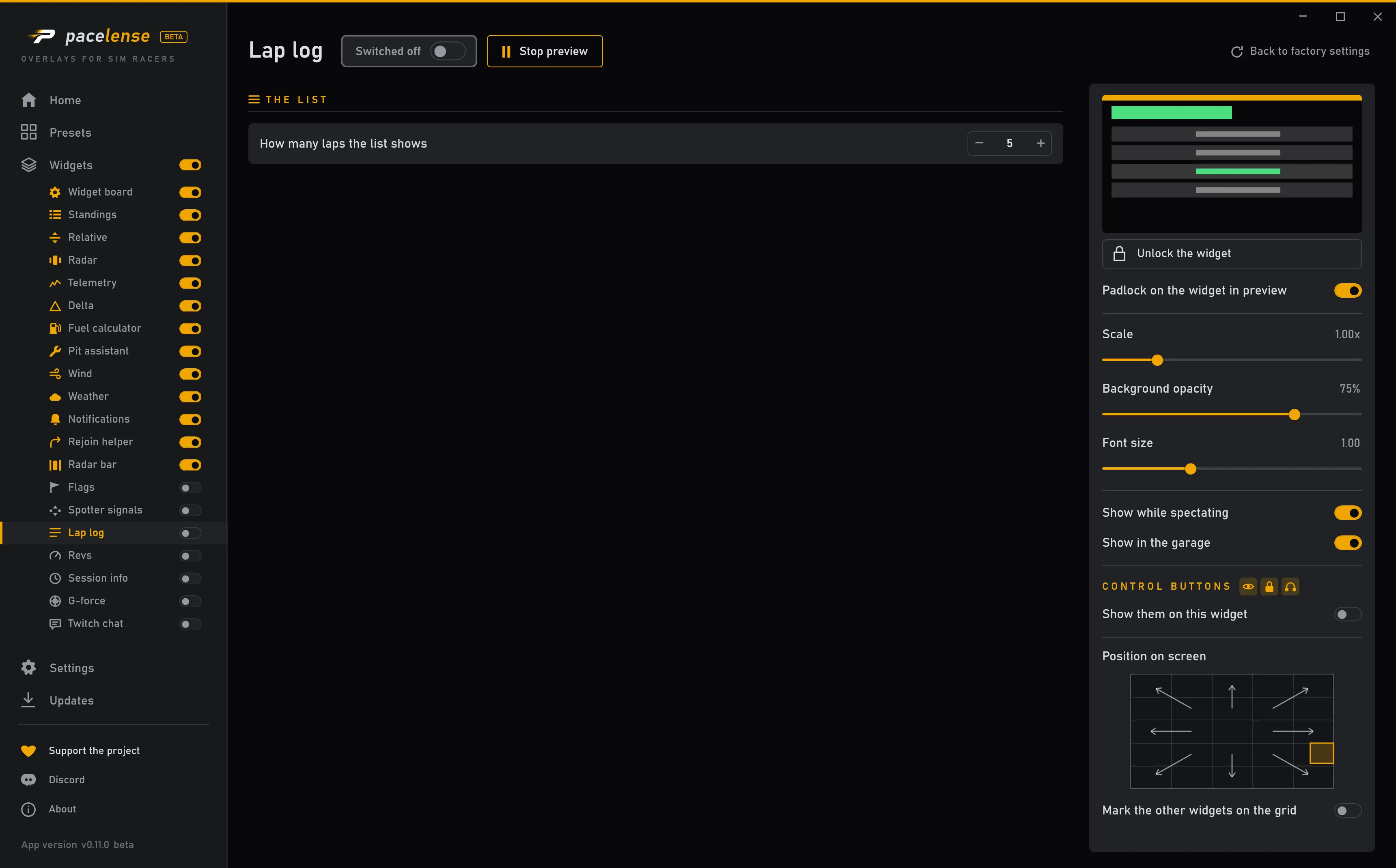
Each change takes effect at once — there is no apply button.