
Relative
Who is catching you, and who you are catching
What it is for
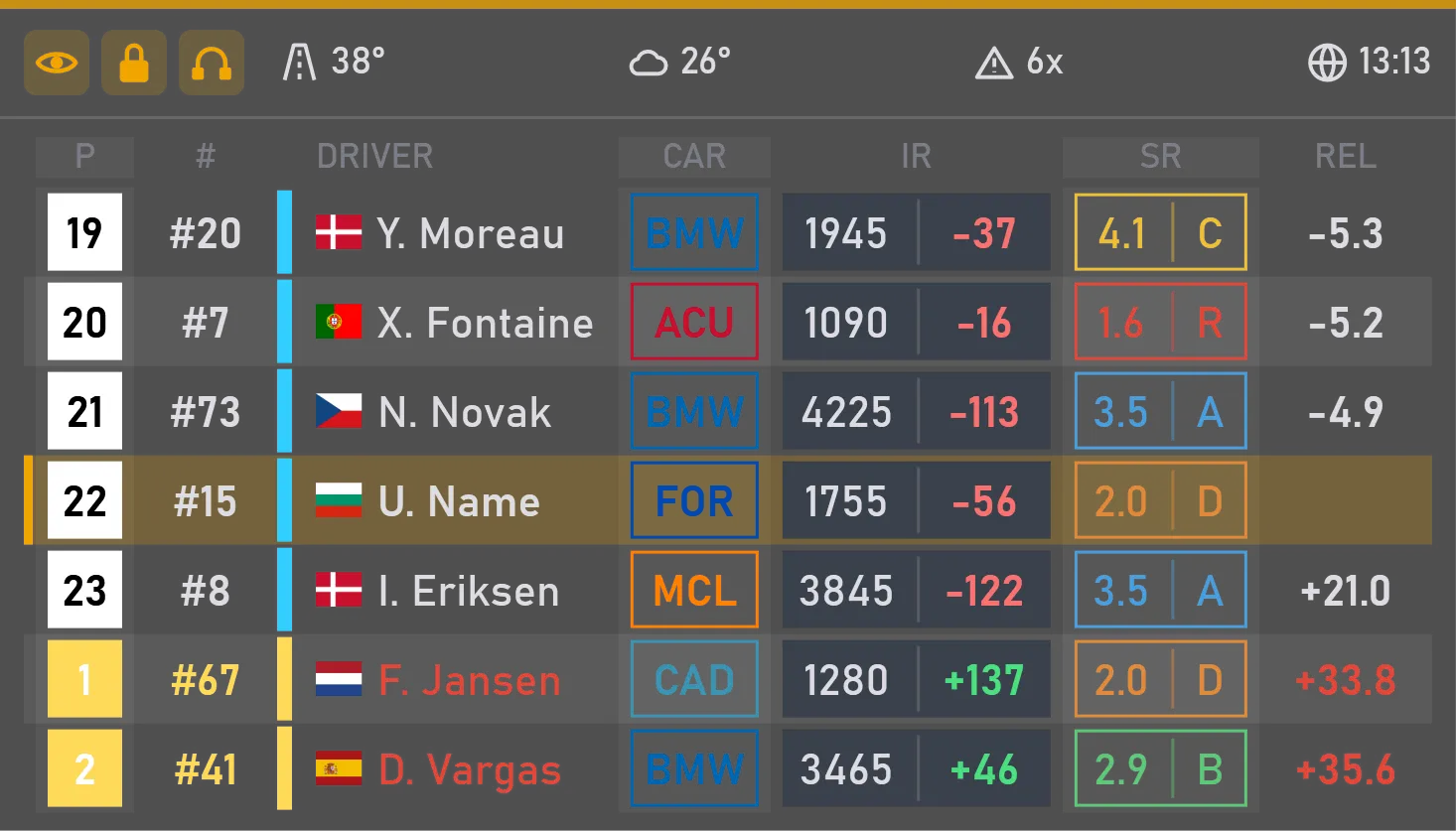
The standings tell you who is ahead in the race; the relative tells you who is near you on track right now: the cars just ahead and just behind, whatever their class or place, with the time to each. These are the cars you will meet in the next few seconds.
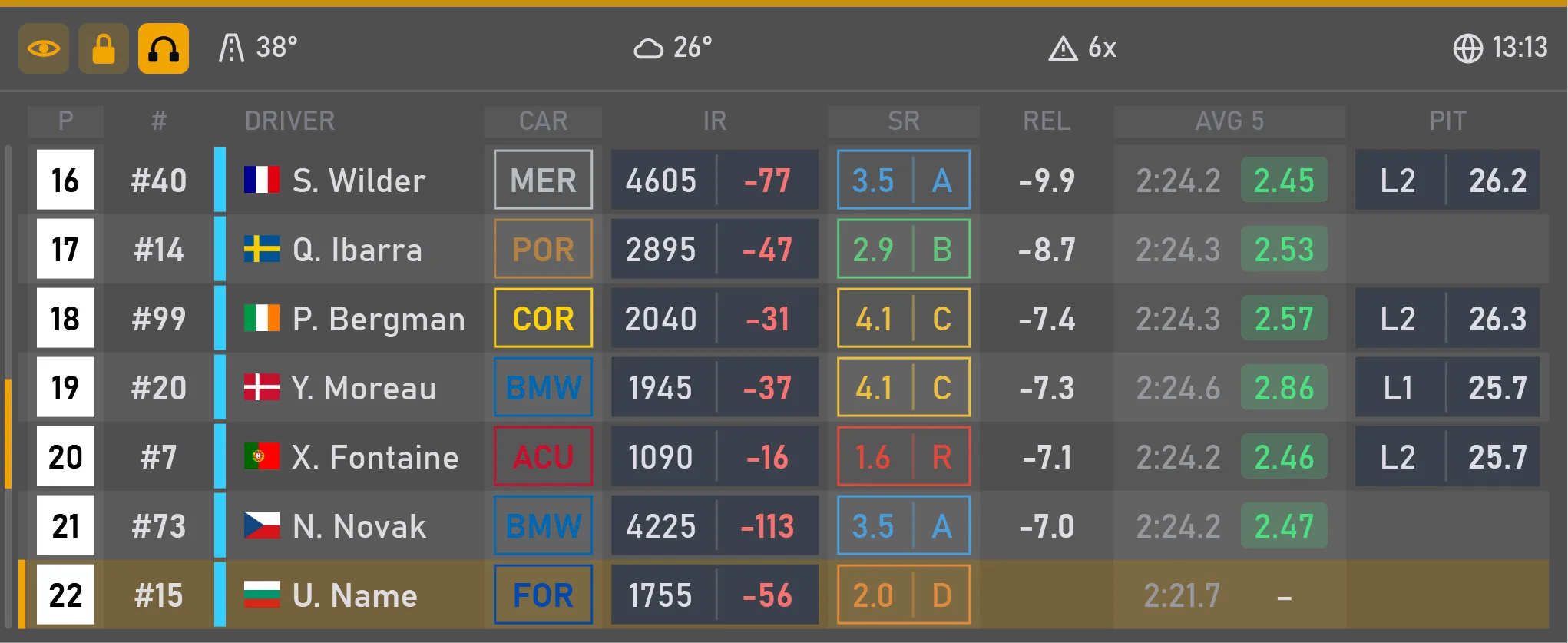
The list always keeps its length: a missing car leaves an empty place, so the widget doesn't jump in size. Press the headset and the relative scrolls through the whole order on track, with rows opening up to show extra data. Press again and it follows you once more.
What you can tune
How many cars ahead of you on track, and how many behind.
Pick the values you want and put them in any order — the same choice as in the standings.
A line above the list with the key facts of the session: strength of field, track temperature, your incidents, time left in the session and more. You choose what it shows.
Size, position and when it shows are set the same way for every widget.
Where you change it
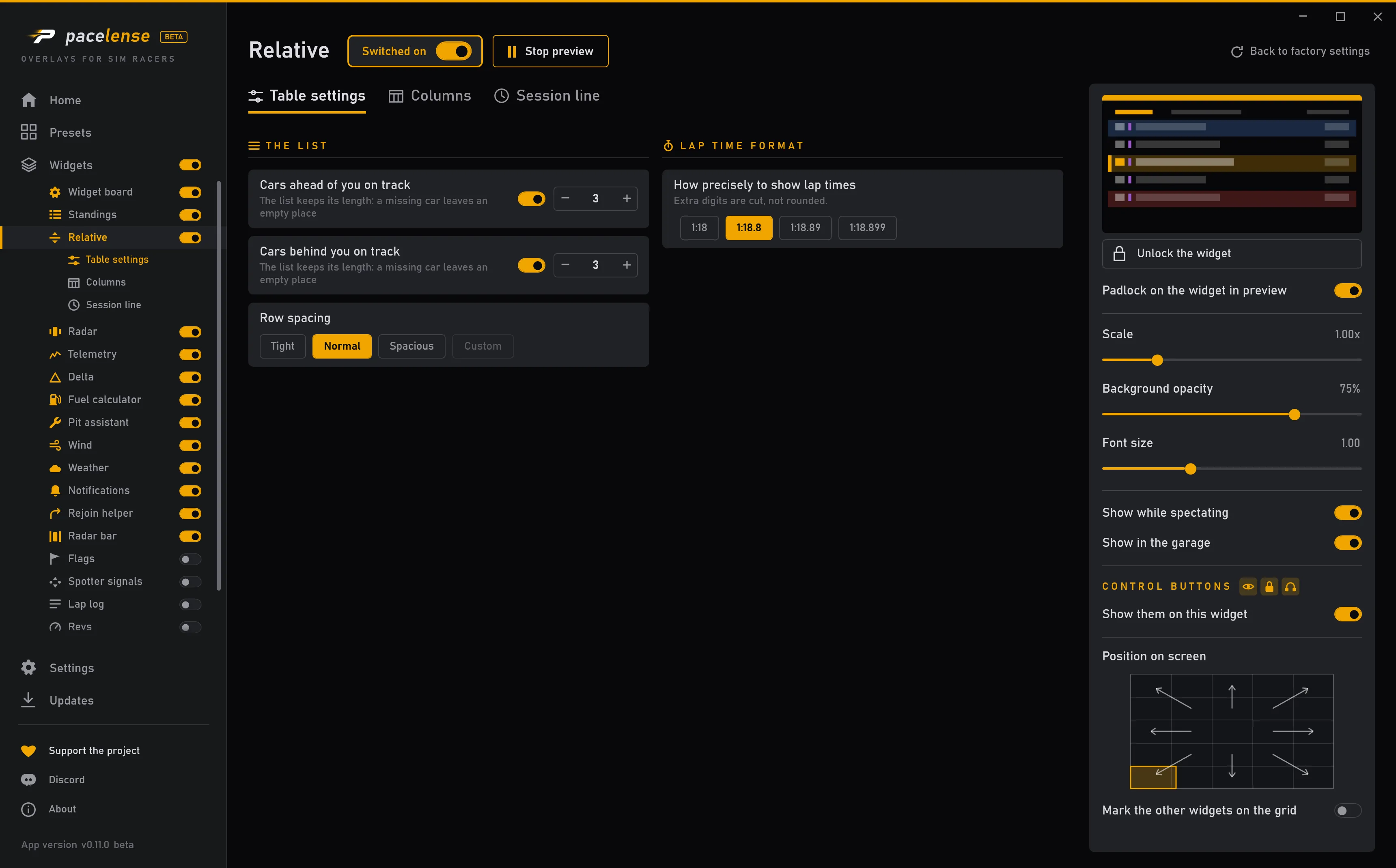
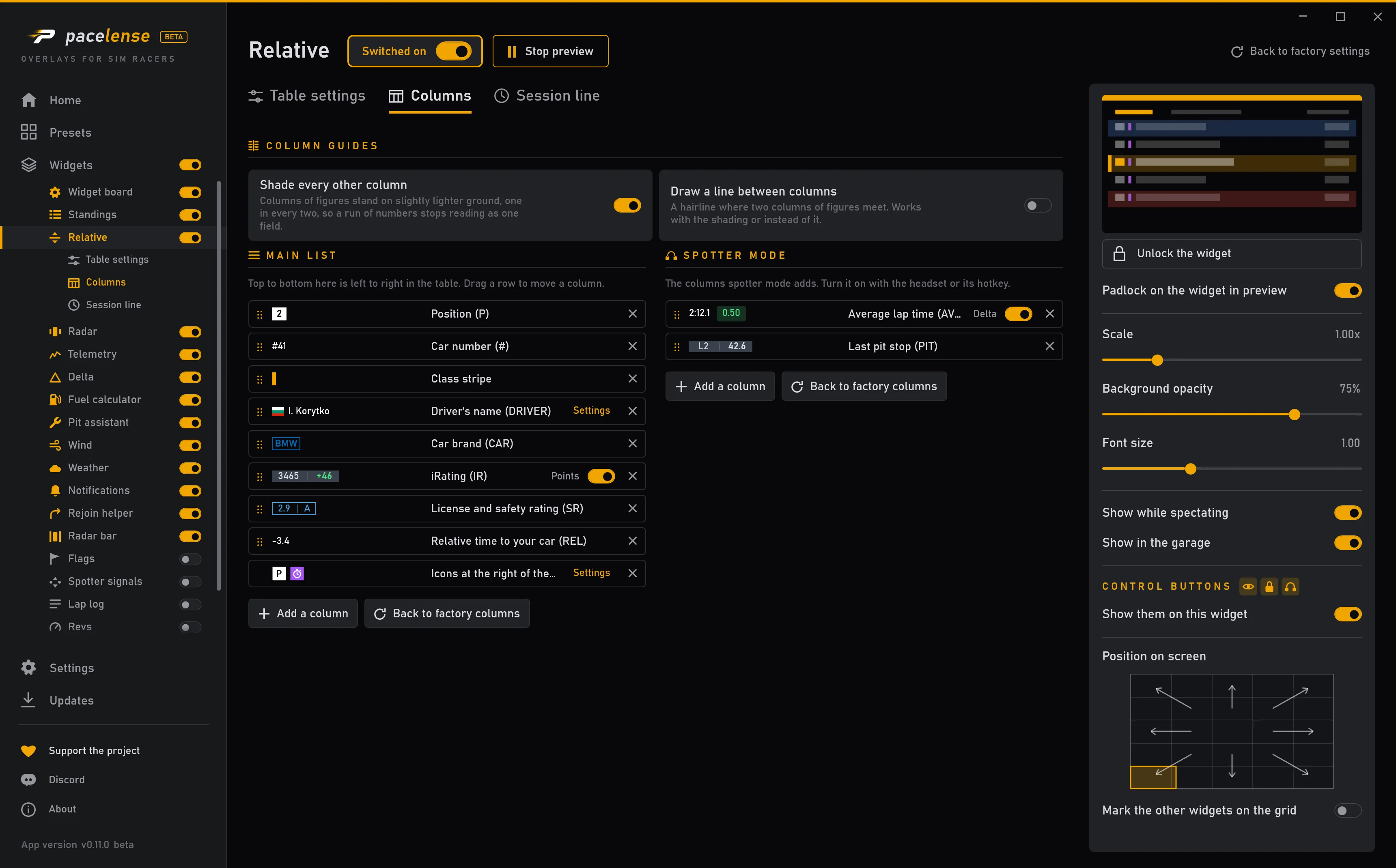
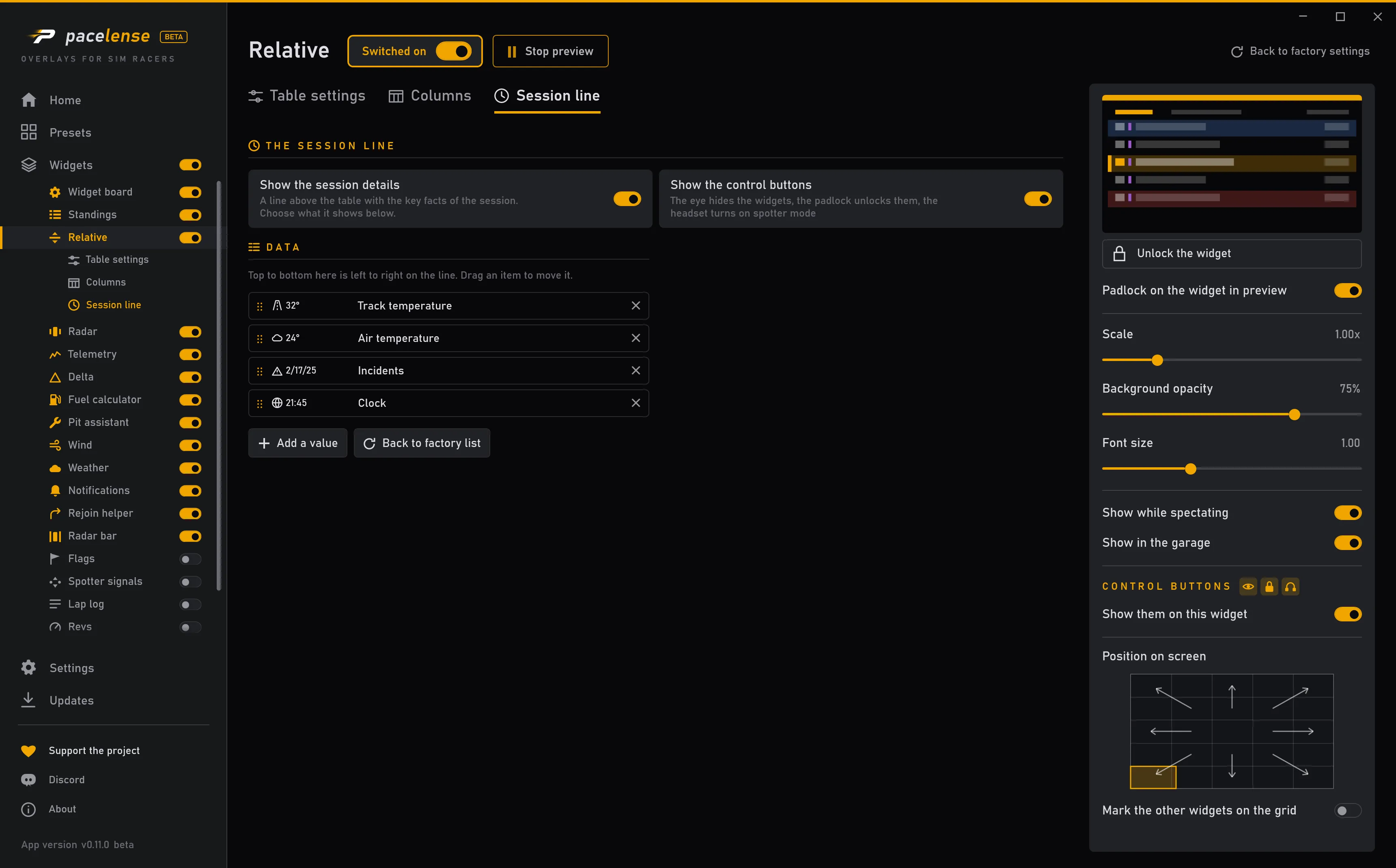
Each change takes effect at once — there is no apply button.