
Weather
Temperatures, rain and the state of the track
What it is for
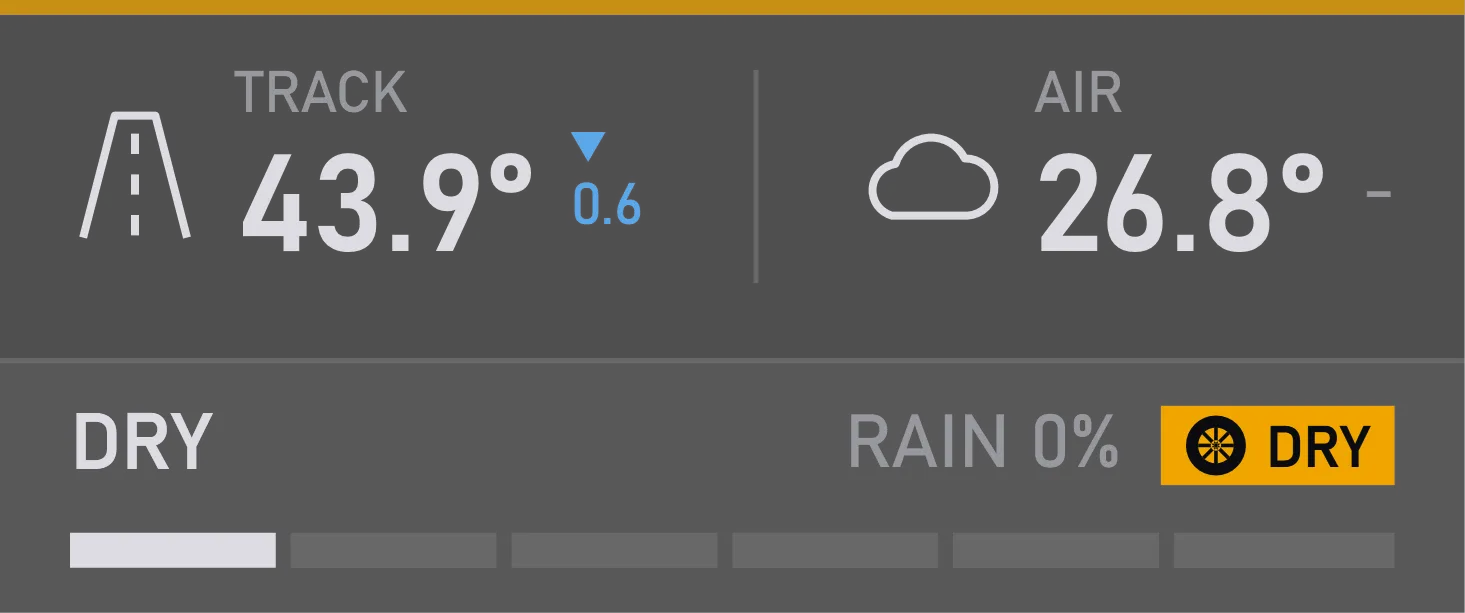
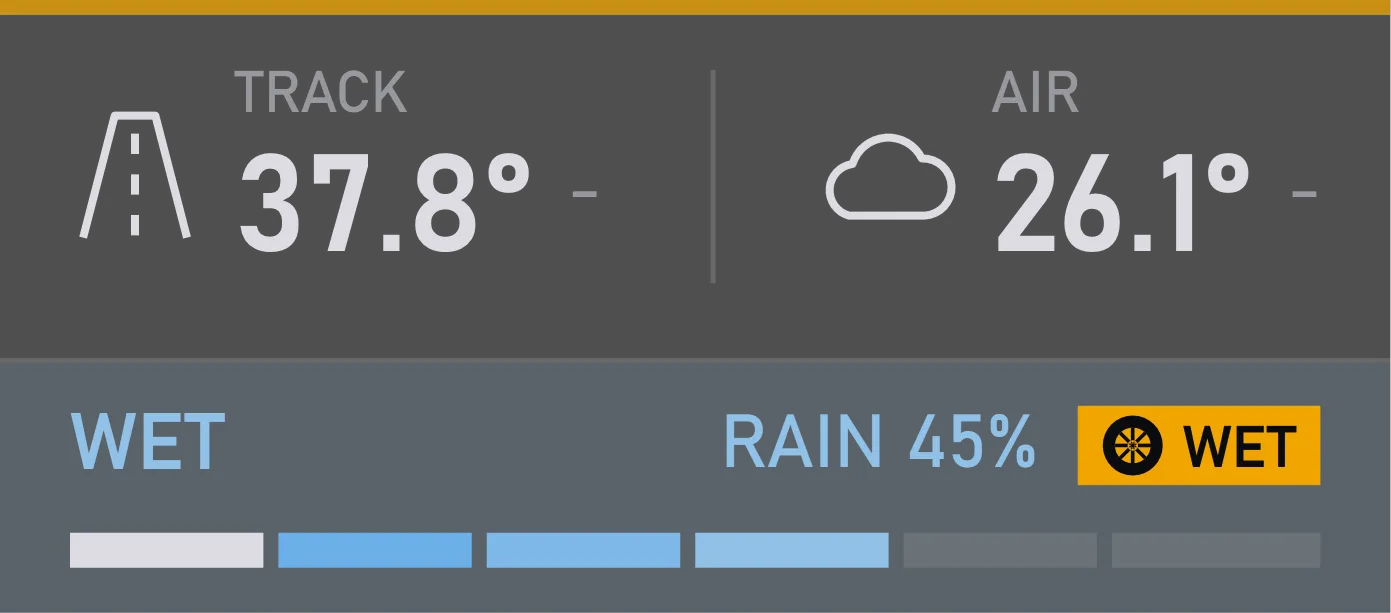
The rain can stop while the track stays wet for several more laps. That's why the widget shows the rain and the track's wetness separately.
The arrow beside the temperature shows how it has changed so far — it isn't a forecast. And the WET or DRY hint tells you whether the stewards have declared the session wet.
What you can tune
You can show how many degrees the temperature has changed, and choose what to compare it with: the start of the session or a few minutes ago.
Whether it's raining and how wet the track is, on one line. Don't need it? The widget will show just the temperatures.
WET while the stewards have declared the session wet, DRY once they lift it. You can switch the hint off.
Size, position and when it shows are set the same way for every widget.
Where you change it
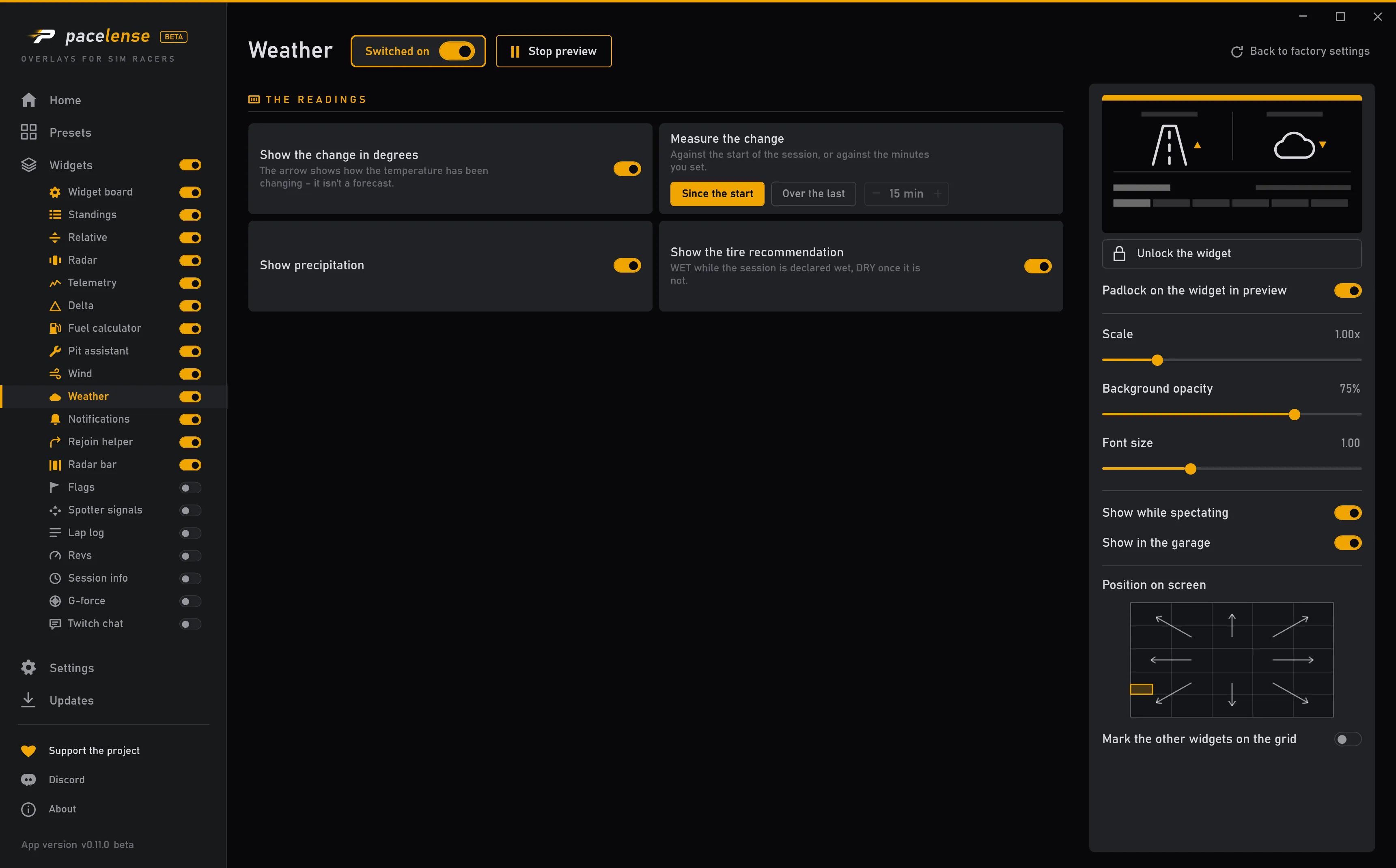
Each change takes effect at once — there is no apply button.