
Widget board
Switch any widget on or off without leaving the game
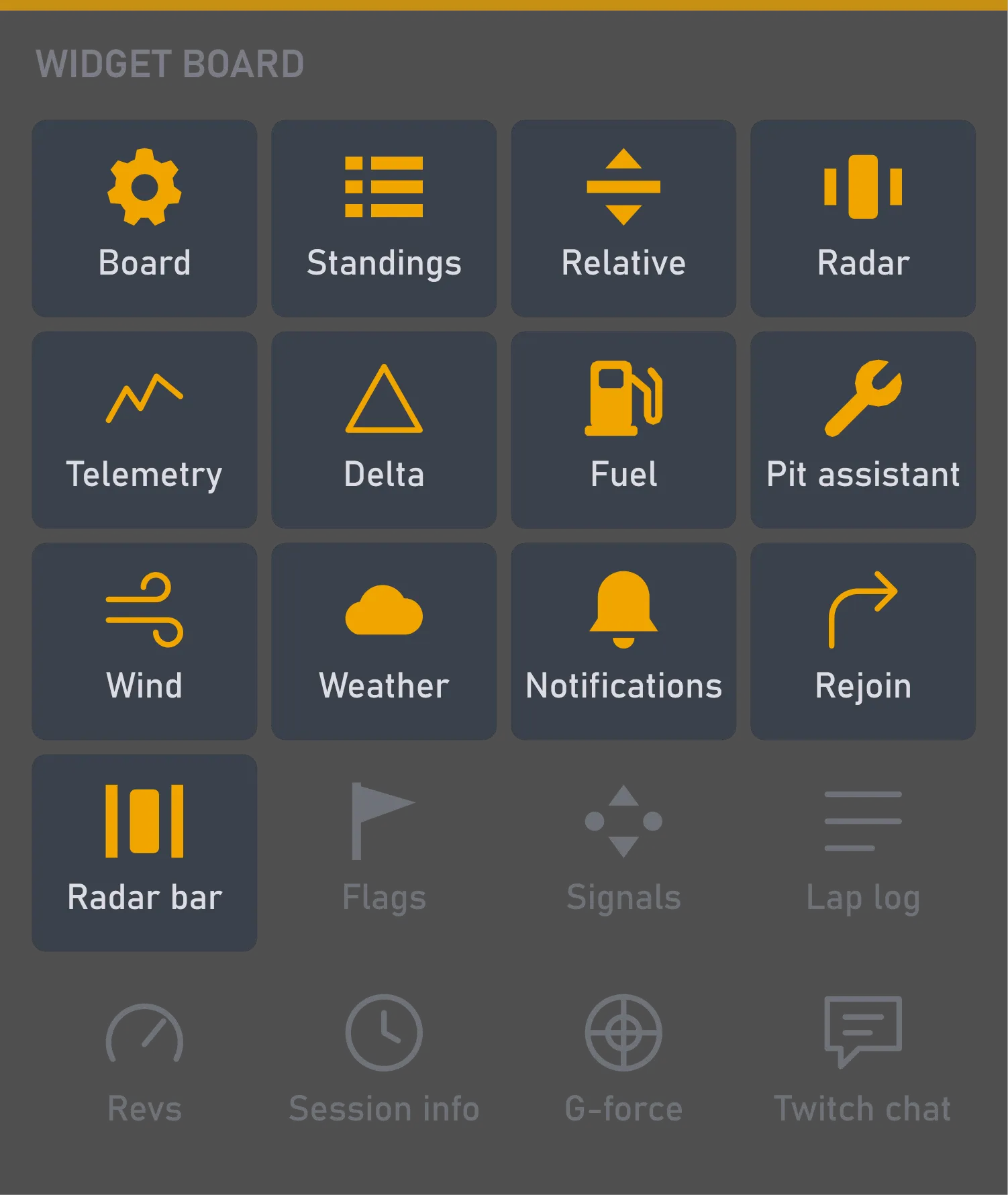
What it is for
You don't want to leave the game just for one widget. The lap log, say, is more use in practice than in a race. The board lets you hide it or bring it back with one click.
By default, the board shows only while your widgets are unlocked, when you're arranging your screen anyway, so in the race it takes up no room. If you'd rather, it can stay up all the time, in the race too.
What you can tune
While unlocked (the default) or All the time. With All the time, the board stays up after you lock the widgets, so you can switch them right in the race.
Background opacity, scale, font size and the other shared settings — for all your widgets in one go, not one by one.
Size, position and when it shows are set the same way for every widget.
Where you change it
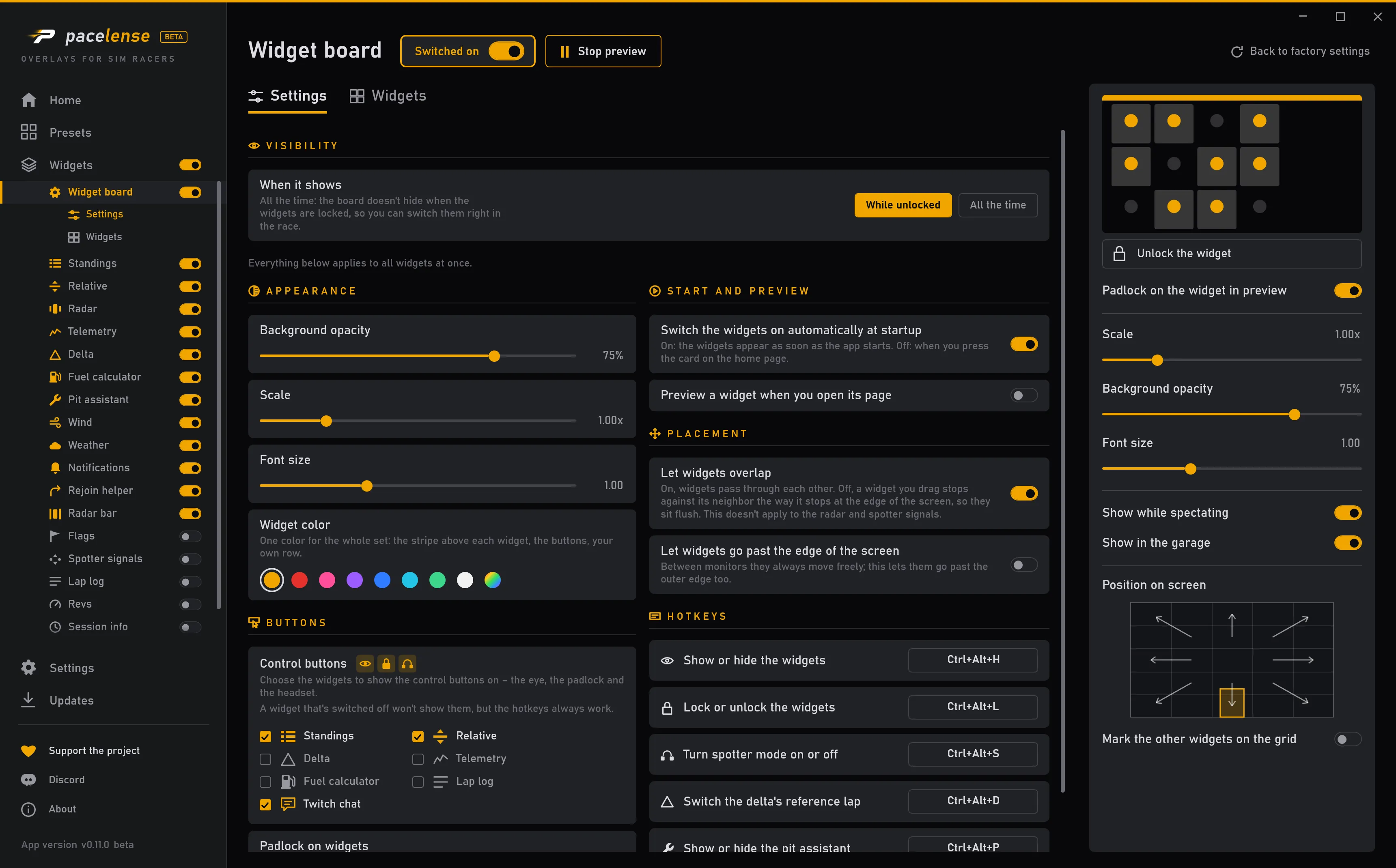
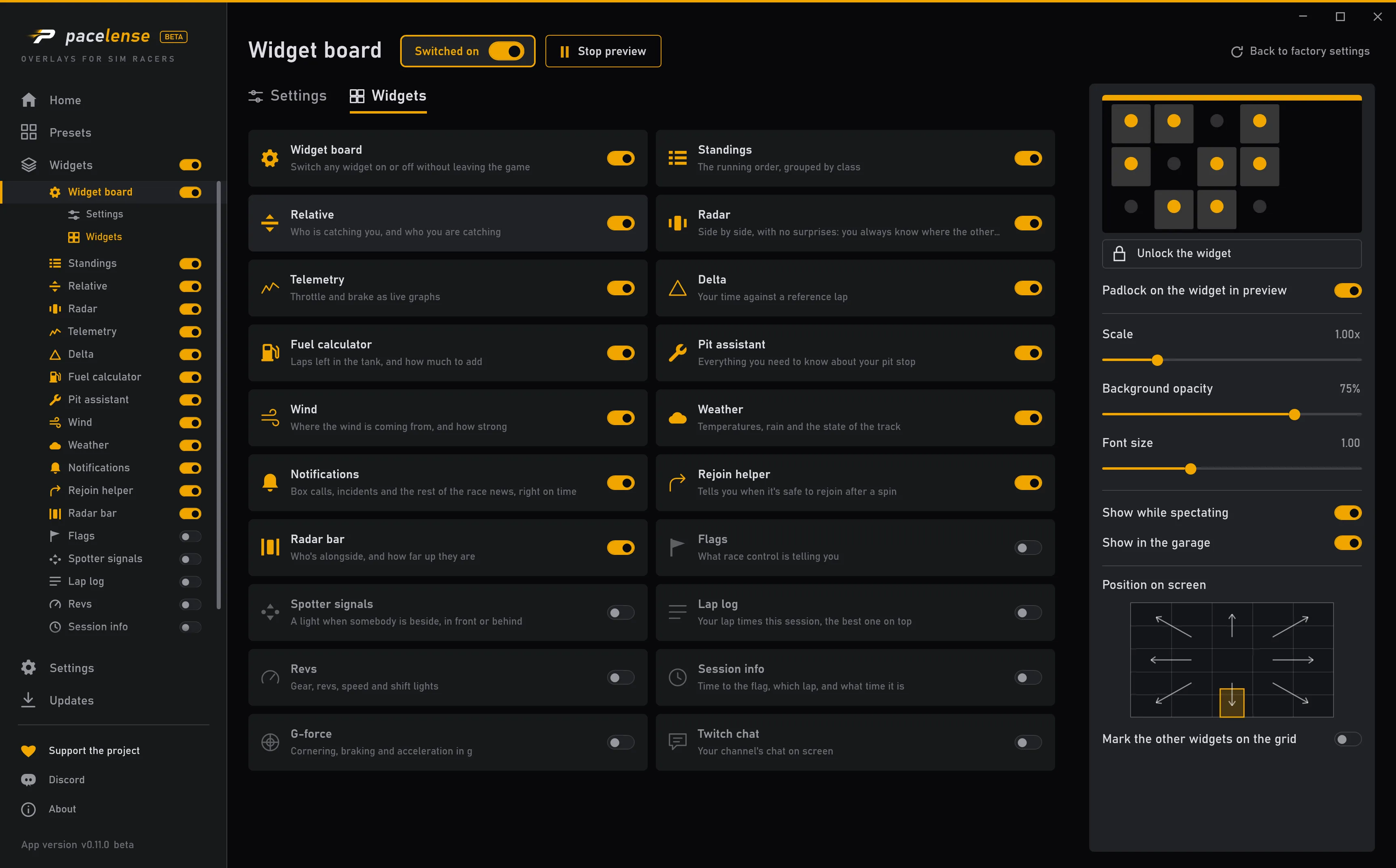
Each change takes effect at once — there is no apply button.